Home / Starting fresh
Start your community before you have members.
Pick your first offer with the founder, and go live with a six-step checklist in Studio. Courses, groups, events and payments in one place, and 0% of your sales to us.
14-day free trial, no cardCancel anytime30-day refund on your first payment
What it costs before your first sale
- The first 14 daysFree trial, no card needed
- $0
- If you stay: StarterBilled annually, $588 a year. Or $65/mo billed monthly.
- $49/mo
- Everything elseCourses with hosted video, events, a blog, your landing page and unlimited members. 100 GB of storage on Starter.
- Included
- Our share of your sales0% platform fees on every plan
- $0
- Changed your mind?Ask within 30 days of your first payment and we refund it in full. After that, cancel anytime.
- Full refund
- Stripe's card feeOnly when someone pays you. Stripe's standard US card fee; other countries differ. Stripe's prices
- 2.9% + 30¢
Founding offer: the Growth plan at $99/mo in your first year, billed annually, for our first 30 communities. Compare plans

Pick your first offer with the founder.
I answer support myself, and a small team builds the product with me. On a 30-minute call we pick your first offer, talk through how you'll invite your followers, and I show you Studio.
Faizan, founder and technical lead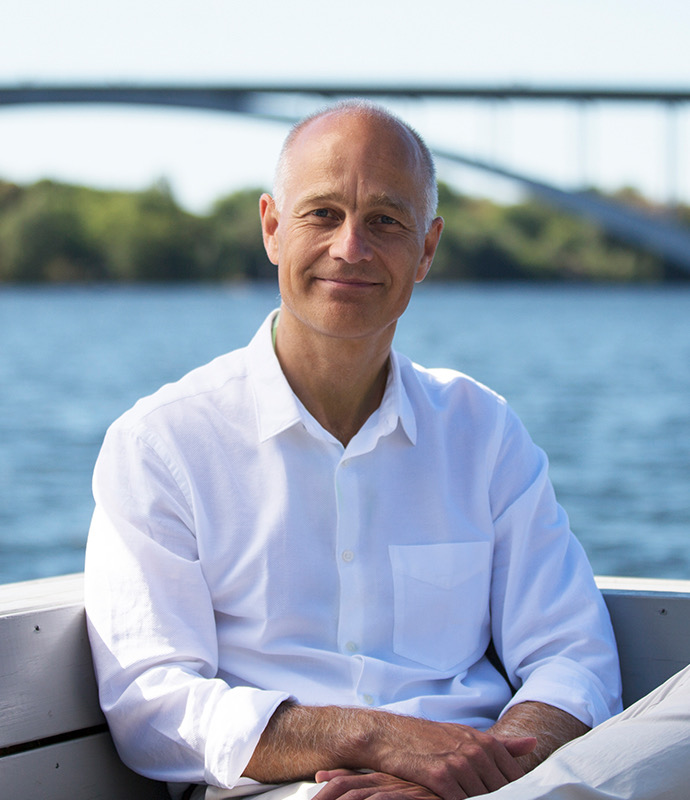
“Setting up our community on TribeCrafter was smooth, and Faizan and his team were right there whenever we needed help.”Anders Olsson, founder of Conscious Breathing Institute
Six things, and you're live
Studio shows a go-live checklist on every screen. Most items you already have: a name, a logo, a welcome and your guidelines. Each one ticks itself when you save it, and you're live when all six are done.

“The menus are grouped in a way that just makes sense. It's not complex at all, super self-explanatory, and easy to pick up.”Cheerlyn, Creative Director at Great Big Photography World
Before you go live
6 of 6 done
- Community name
- Logo
- Welcome heading
- Welcome text
- Community guidelines
- One published group
Your community is live.
Studio's go-live checklist, redrawn from the real one.
Then pick a goal, and Studio walks you through it
Once you're live, Studio asks "What do you want to set up first?" Each answer opens its own steps.
Start a free discussion space
A free group where your followers meet you and each other. Nothing to sell yet? Start here.Best if you're still finding what people will pay for.Sell a course
Upload a folder of videos and the lessons appear. Set a price, add free preview lessons, and publish.Best if you already teach the same thing again and again.Run a paid membership
A monthly or annual plan that opens your paid groups, courses and premium posts.Best if your followers want ongoing access to you, or weekly live classes.Sell a bundle
Several courses or groups for one price, in one checkout.Best once you have two or more things to sell.
You can do all four later. Every plan has every module.

What your first student sees
They come from your link: in a post, your bio, a newsletter or an email invite. It all works in a phone's browser.
- Your landing pageYour logo, colours, welcome text and what you offer, on your community's address or your own domain.
- Sign upWith an email and a password. Free groups can add every new member automatically.
- PayStripe checkout, in your own currency. A cart for more than one item. Skipped for free groups.
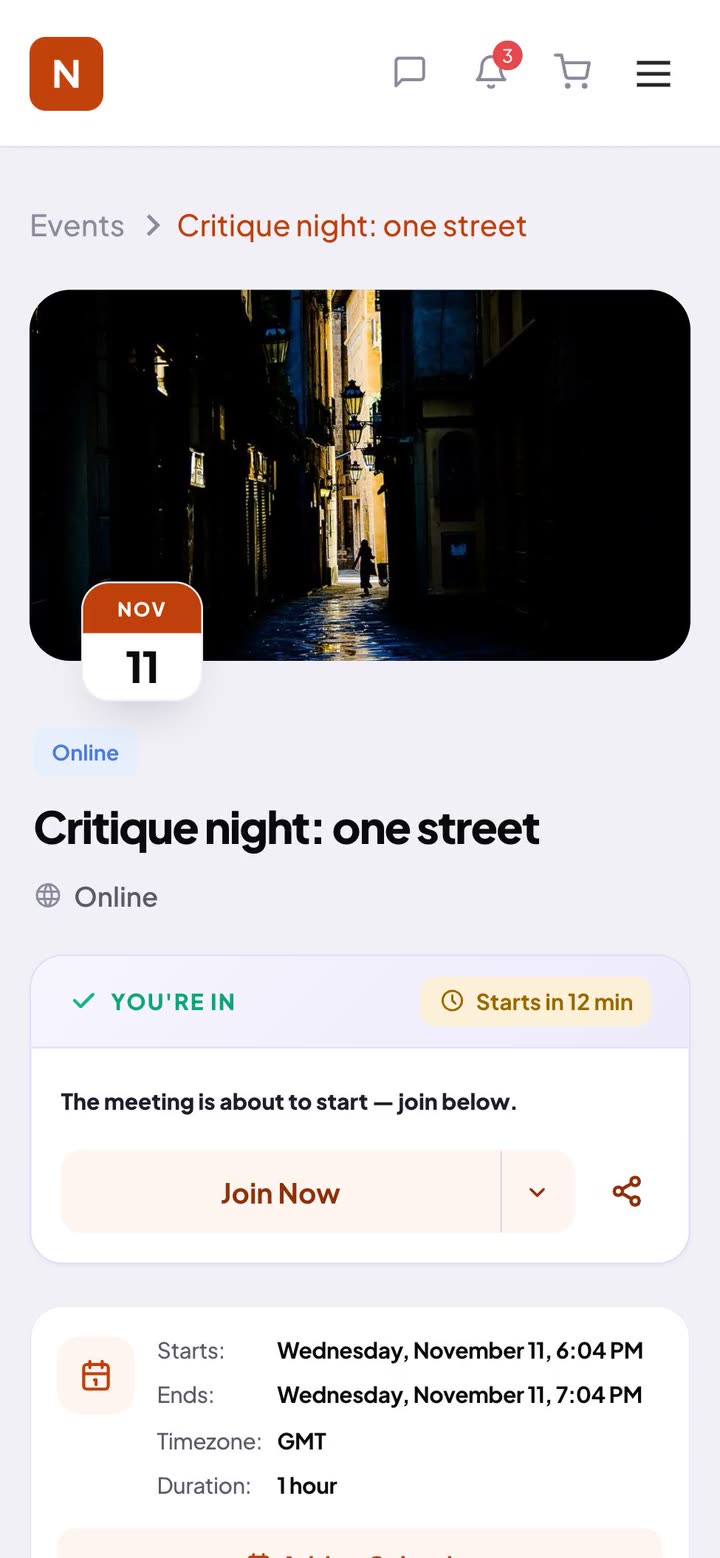
- StartThe course or group they paid for opens as soon as they've paid. Progress saves, and they pick up where they left off.
Starting from zero, answered
What if nobody joins?
Start with the people who already follow you. Day one: open a free group that adds every new member, and post a welcome. Day two: invite your email list from Studio. Day three: share your link in your bio, posts and newsletter. Once people are talking, open your first paid offer. The founder can plan it with you on a call.
Can I invite my whole email list?
Yes. Paste the addresses into Studio's invite box and add a personal note; each person gets an email with a link to join. Studio also gives you an invite link to share anywhere, like WhatsApp.
I'm also looking at Skool. What's different?
Both have courses and events. Here your community runs under your own brand, with your own landing page and a blog, and payments go to your own Stripe with 0% platform fees. Skool Pro is $99/mo (about $82.50 billed yearly); Starter here is $49/mo billed annually. Skool's prices checked 12 Nov 2026. The full Skool comparison
Do I need a website or my own domain?
No. Your community has its own landing page: a hero, what you offer, testimonials and sections, set up in Studio. A blog with SEO settings, so search engines can find it, is built in too. Start on the address you get when you sign up, and add your own domain later if you want one.
Can I start for free?
Yes, the first 14 days are free, with no card. After that Starter is $49/mo billed annually ($588 a year), or $65/mo billed monthly. Your members can join your free groups at no cost.
Is there an app?
Your community works in any phone browser today, with email and in-app notifications. Native iOS and Android apps are coming in early 2027.
How big can my videos be?
On Starter: 100 GB of storage and video files up to 2 GB each, in up to 1080p. Videos are hosted and streamed for you, only to members with access. Need more room? Move up a plan.
Can I run live classes?
Yes, as events online or in person, with RSVP and reminders 24 hours and 15 minutes before. Paste the call link from the video tool you already use, and add the recording afterwards. To charge for your classes, run them in a paid group that a membership plan opens.
What do I need to take payments?
A Stripe account, connected from Studio. Payouts go to your bank, Stripe's normal card fee applies, and TribeCrafter takes 0%.
Already have members somewhere?
- WordPress or BuddyBossWe move your members and the content that matters.Moving from BuddyBoss →
- A Facebook groupCalls, files and payments in one place.Moving from Facebook →
- Kajabi or TeachableYour courses and your community in one place.Moving from Kajabi →
- SkoolYour own brand, with courses, events and a blog.Moving from Skool →
Open your community this week.
Set it up yourself, or book 30 minutes with the founder first and ask anything.
14-day free trial, no cardCancel your plan anytime30-day refund on your first payment