Switching / A Facebook group
Your Facebook group, in a place that's yours.
Bring your Facebook group to a community under your own name, with no one else's ads, set up with the founder. Everyone who joins is on your email list, and your calls, files and payments are in one place.
14-day free trial, no cardCancel anytime30-day refund on your first payment
Why move off Facebook
A Facebook group is easy to start. It was never yours to run.
- The member list is yoursEvery member joins with their email address, so a change at Facebook can't cut you off from them. Download the list of everyone who joined whenever you want.
- Your brand, without anyone else's adsYour logo, your colours and your own address. Members see your community, not competitors' ads or posts from other groups.
- Your announcements on topFacebook's feed picks what your members see. Here, your announcements show as a banner, you pin posts in groups, and members sort the feed by newest, most active or popular.
More on this: the disadvantages of a Facebook group
How your members move
Post your content first, share your sign-up link, and keep the Facebook group open while people move.
- Set up with the founderStudio is where you run everything, in your browser. Set up your brand, first groups and plans there on a call with the founder.
- Add content firstPost the welcome, the files and the next event, so nobody arrives to an empty room.
- Share your linkMost Facebook group owners don't have their members' emails. Pin a post with your sign-up link in the group, share it on your next live, and send email invites from Studio to anyone you do have. Everyone who joins is on your own list from then on.
- Bring them backMembers who drift away get a "here's what you missed" email after 1, 3 and 7 days, only when something new happened.
What a member does after tapping your link
- Signs up with their email and a password.
- Taps the link in the confirmation email.
- Sees your welcome page, fills in a short profile and agrees to your guidelines.
- Lands in your community, already in the free groups you set to add everyone.
Want to plan the move for your group? I'll go through it with you on a 30-minute call. Faizan, founder and technical lead
Six steps, then you're live.
Studio gives you a checklist: name, logo, welcome heading, welcome text, guidelines and one group. Each step ticks off as you save it, and when all six are done your community goes live by itself. The welcome and the guidelines are the first things a new member sees.
See StudioBefore you go live
4 of 6 done
- Community name
- Logo
- Welcome heading
- Welcome text
- Community guidelines
- One published group
Studio's go-live checklist: live once all six are ticked.
Calls, files and payments in one place
Your members find the call link, the files and the checkout in the same place. Calls run in the Zoom or Google Meet you already use.
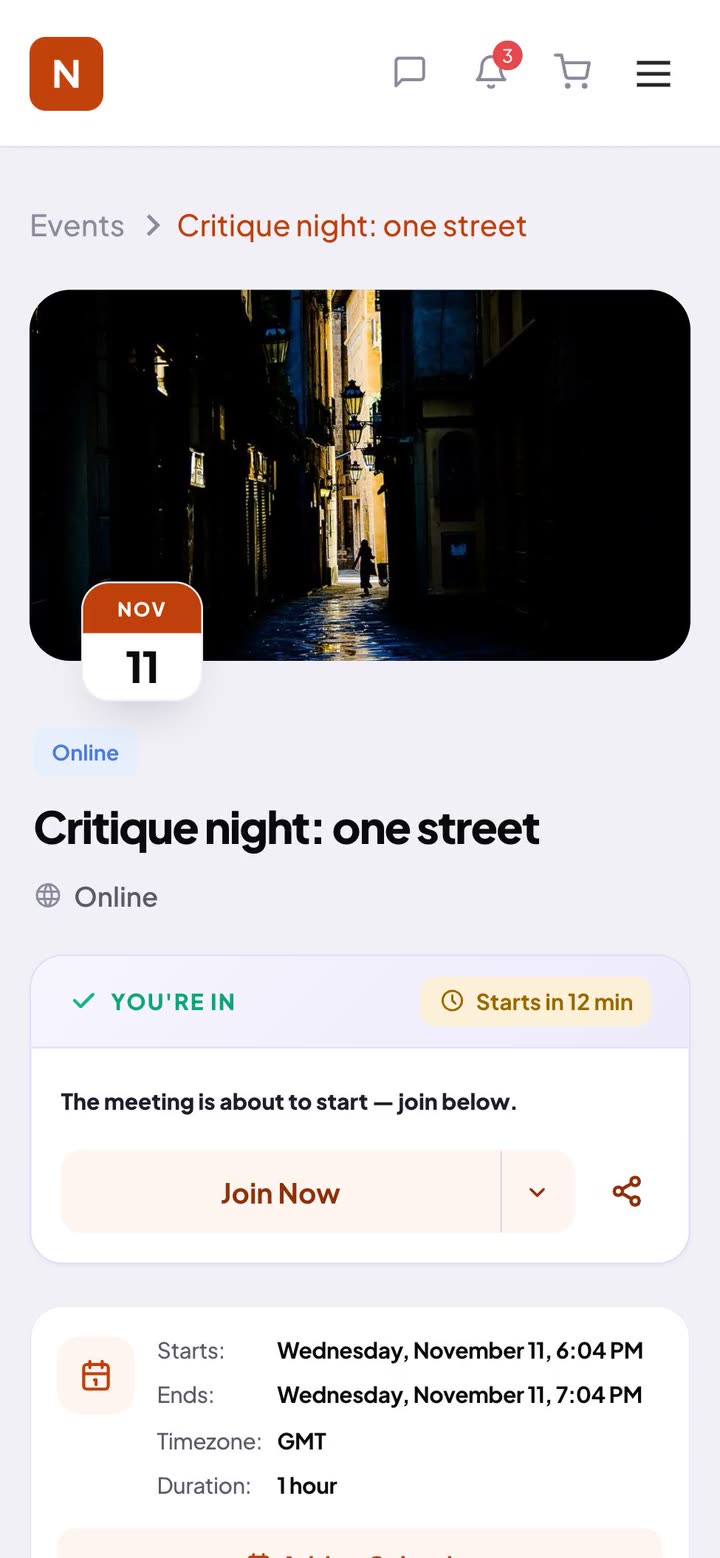
- EventsCreate an event and paste your Zoom, Google Meet or any meeting link. Members RSVP, add it to their calendar, and get a reminder 24 hours and 15 minutes before.After the call, add the recording link to the event, or upload the recording to your course as a lesson.
- FilesEach group has a Resources tab for workbooks, PDFs and slides, open to the group's members.
- Your programSell it as a course with hosted video, its sections unlocking week by week, or as a paid group for each cohort.
- PaymentsStripe checkout with 0% platform fees. Stripe's normal fee applies, and payouts go to your bank.
- MessagesMembers message each other and you one to one, with files and images.Each group also has its own feed for conversations.
- PDFWeek 3 practice guide
- PDFSession 2 slides
- PDFDaily breathing log
A paid group's Resources tab: files only its members can open.
A breathwork school, now under its own brand
Conscious Breathing Institute ran its community in a Facebook group, with programs like a 28-day breath training. It now runs its community on TribeCrafter.
 Breathwork school · moved from a Facebook group
- The material from their website moved into the community.
- A QR code in their book now leads readers into the community.
- Courses, groups and articles under their own brand.
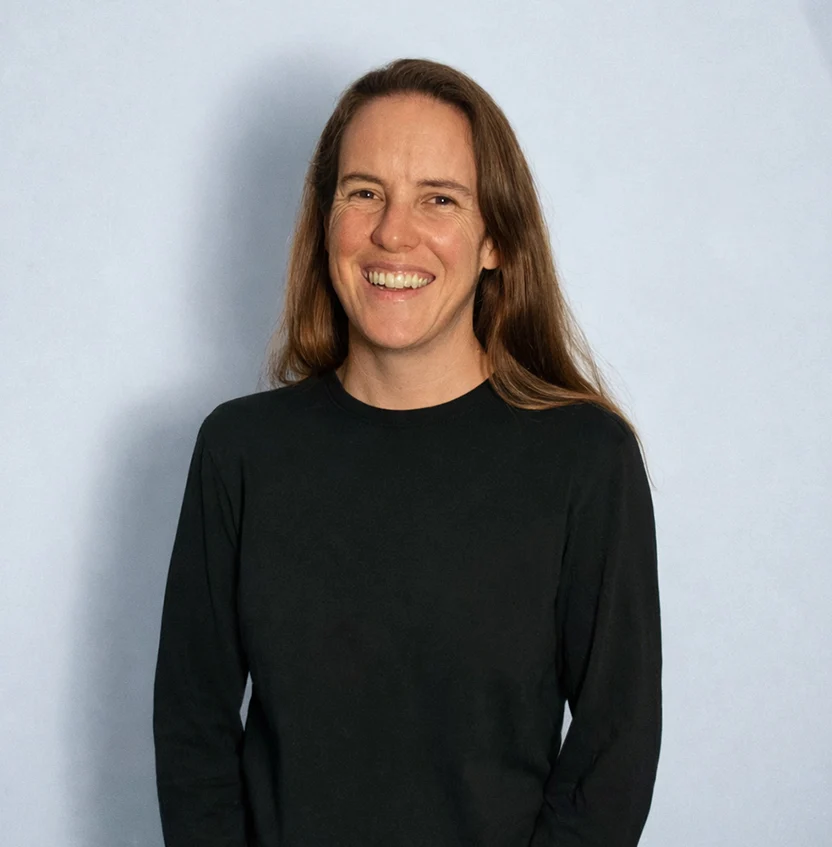
Every bug or suggestion we flag gets picked up quickly, sometimes fixed within the day.Jackie, Community Manager at Conscious Breathing Institute
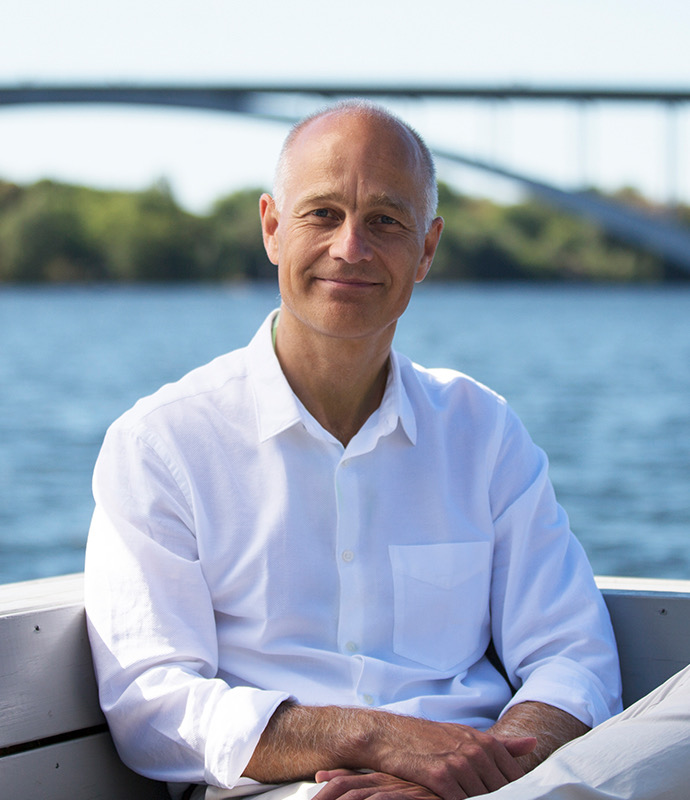
Setting up our community on TribeCrafter was smooth, and Faizan and his team were right there whenever we needed help.Anders Olsson, founder of Conscious Breathing Institute

Talk it through with the founder.
I answer support myself, and a small team builds the product with me. On a 30-minute call we look at what you want to run and how to set it up here.
Faizan, founder and technical leadMoving from a Facebook group, answered
I don't have my members' emails. Can I still move?
Yes. Facebook doesn't give group owners their members' emails, so most people come through the sign-up link you pin in the group and share in your posts and lives. Send email invites to anyone you already have, like program buyers or newsletter readers. Everyone signs up with their email, so from then on they're on your list.
Will all my members come with me?
Give them a reason to come over, like the next event or the files they need, and keep the group open while people move, as in the steps above.
Do I close the Facebook group?
Not on day one. Keep it open while you move, pin the post with your sign-up link, and post new content only in your community. Close or archive the group when the activity has moved, or keep it as a free front door. If you do close it, here's how to delete a Facebook group.
Facebook is free. Why pay?
On Facebook, the member list, the feed and the ads around your posts aren't yours to decide. Here every member joins with their email, your announcements come first, and you can charge for what you offer with 0% platform fees. See the plans on the pricing page.
How do I start charging without losing the group?
Keep a free front door: your Facebook group, or a free group here that adds every new member. Then open one paid group or course for your program, and post the sign-up link in the old group. Free groups stay open to everyone, and paid groups open after checkout.
Can I bring my old posts?
Start fresh with a welcome post, your key files and the next event, and repost the few things worth keeping.
Is there an app?
Members use it in their phone's browser, events included, with reminders in the app and by email. Native iOS and Android apps are coming in early 2027.
What if it isn't right for us?
Ask within 30 days of your first payment and we refund it in full. After that, cancel anytime.
Give your group a home of its own.
Set it up yourself, or book 30 minutes with the founder first and ask anything.
14-day free trial, no cardCancel your plan anytime30-day refund on your first payment